 SimplifyAccess
Check a page for accessibility issues
Enter the URL of a public page and choose a desktop or mobile view. See which accessibility issues the scan detects, what to review first, and where manual checks are needed.
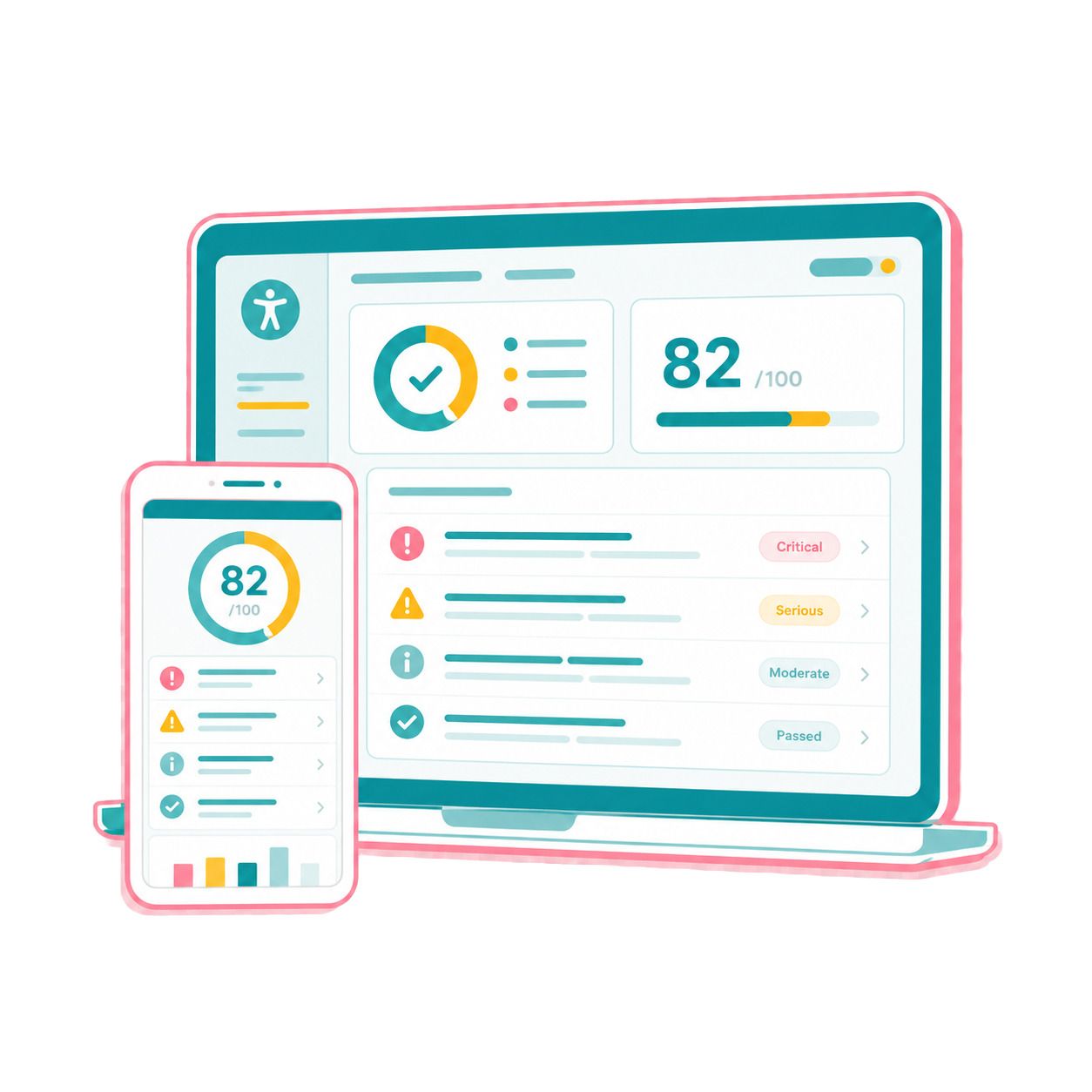
Understanding the page scan
The scan checks one page for detectable accessibility issues, including problems with form labels, text contrast, and image alt text.
Checks whether links, buttons, and form fields have accessible names.
Flags detectable cases where text may be hard to read against its background.
Checks headings, page regions, and how the page language is declared.
Flags technical issues that may affect how people use interactive elements with a keyboard.
Checks for detectable issues with image text alternatives and media accessibility information.
See which automated checks passed, which issues were flagged, and where manual review is needed.
Beyond a single page scan
SimplifyAccess provides website accessibility monitoring through recurring audits. See which pages have been checked, where issues repeat, and what has changed since the previous audit.
See which discovered pages have current audit results and which need to be checked.
Find pages with critical findings and identify recurring barriers that affect multiple pages.
Track new and resolved issues, and spot problems that have returned.
Audit coverage
35
recently audited pages
42 discovered
Page status
5
Need review
2
Critical
Recurring barrier
Form labels require review
Since the previous audit
Illustrative platform data
The public scanner’s risk rating helps you decide which automated findings to review first. SimplifyAccess platform audits offer additional indicators for tracking accessibility over time.
Continue beyond the scan
Create a SimplifyAccess account to discover your website’s pages, run recurring accessibility audits, and track the issues your team needs to address.