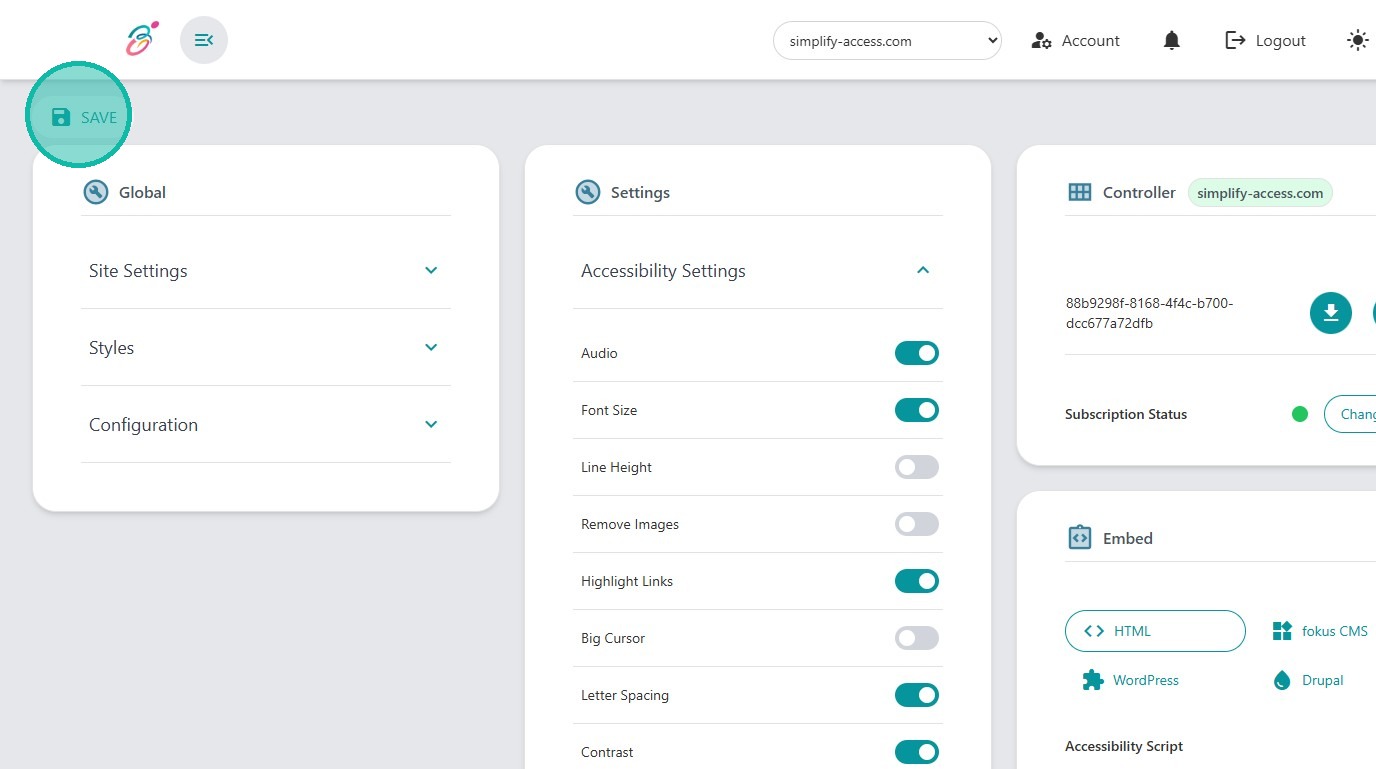
Learn how to adjust and save your accessibility preferences within the Simplify Access admin panel. This guide provides a quick walkthrough to ensure your settings are updated correctly for an improved user experience.
1. Login and navigate to admin.simplify-access.com/settings
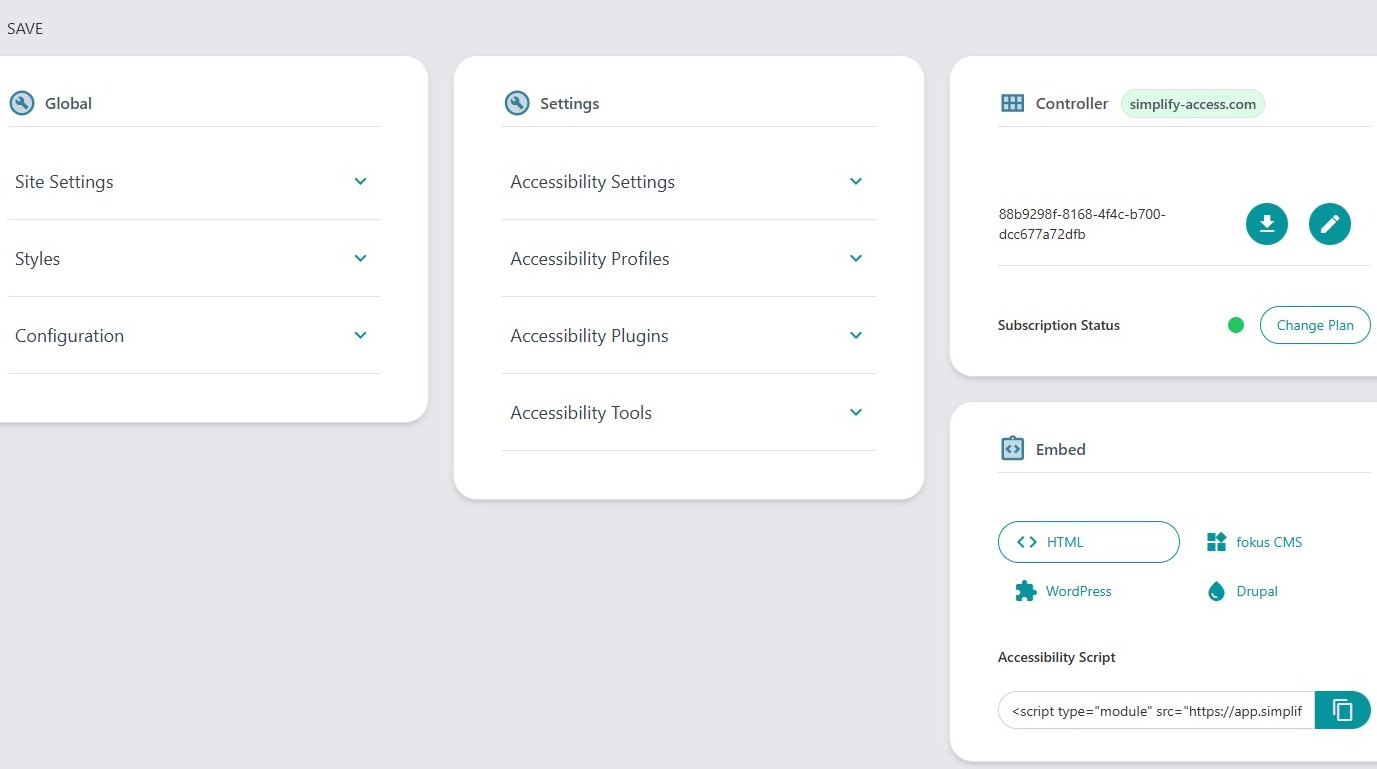
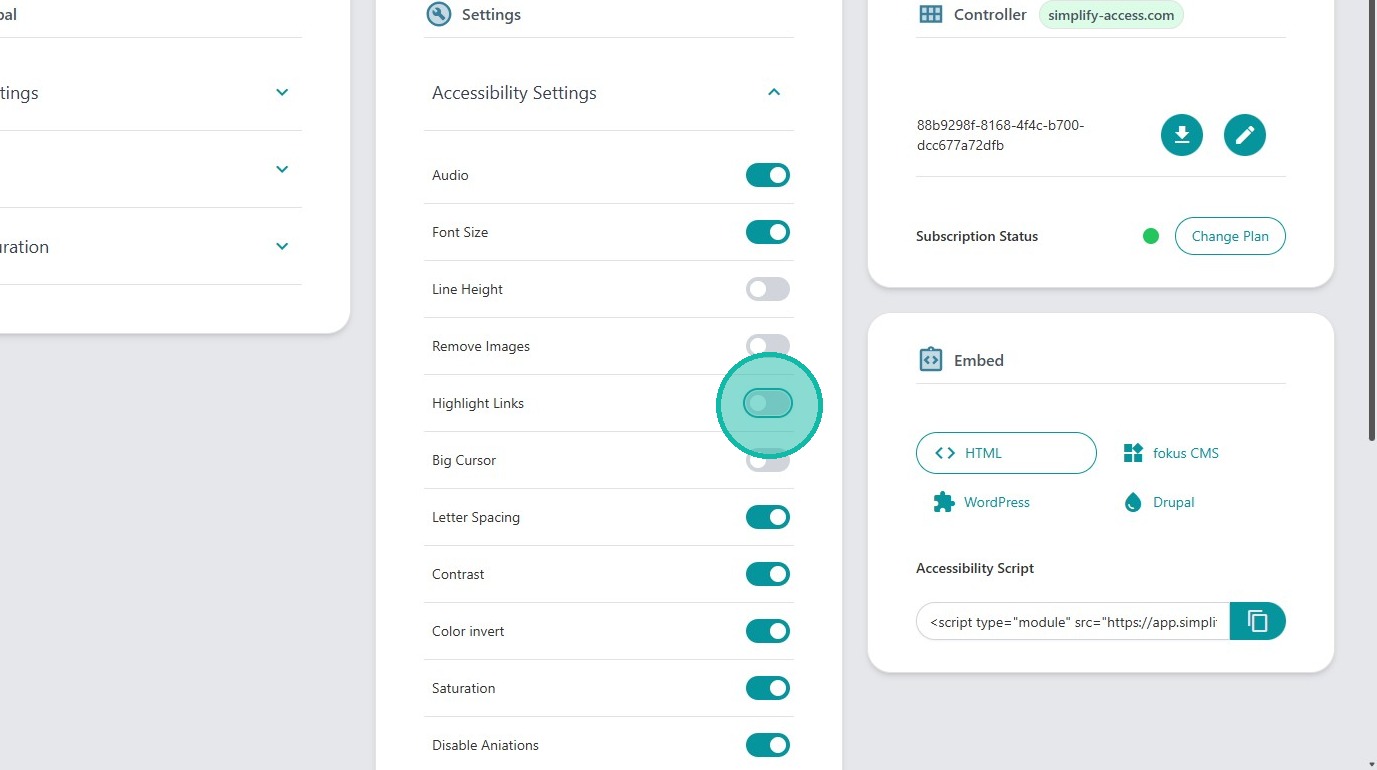
2. Click "Accessibility Settings" at the settings panel
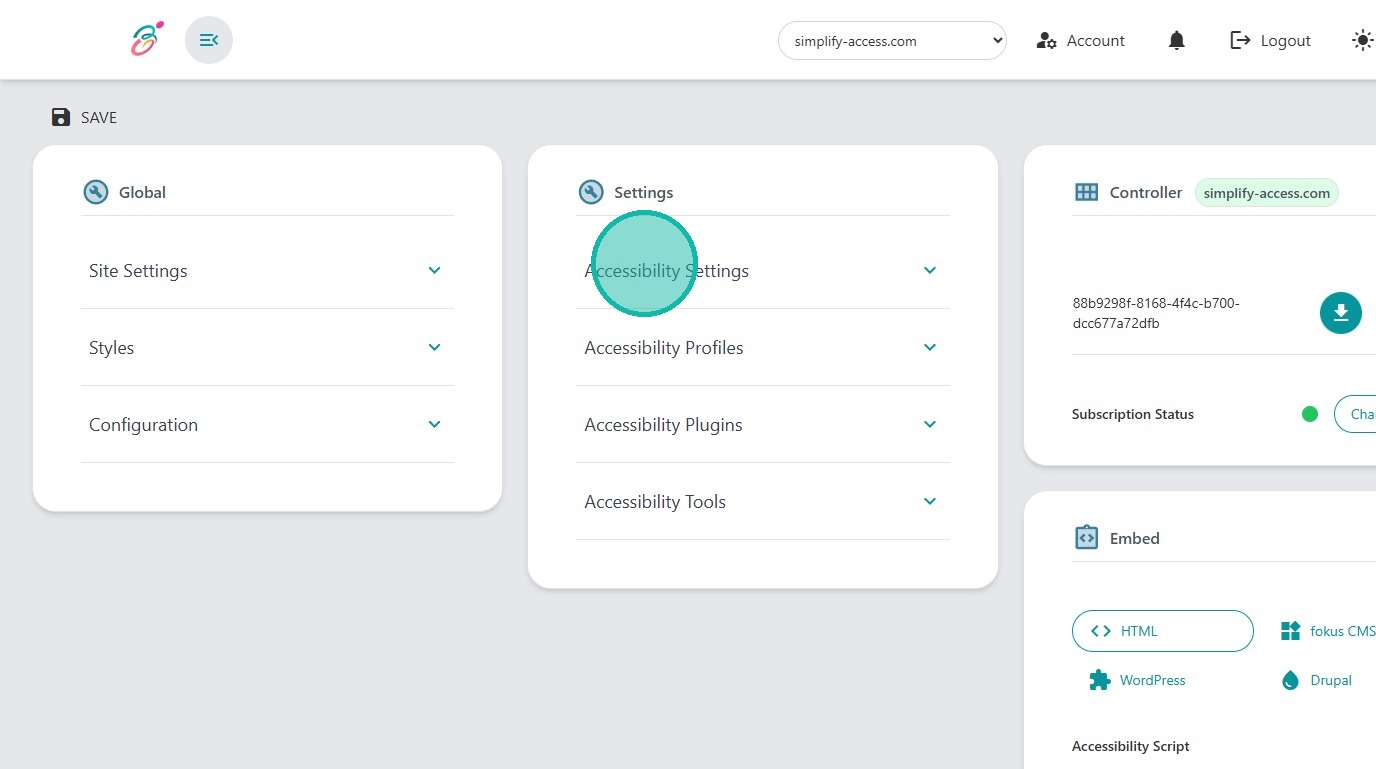
3. You can disable active settings by clicking the button.
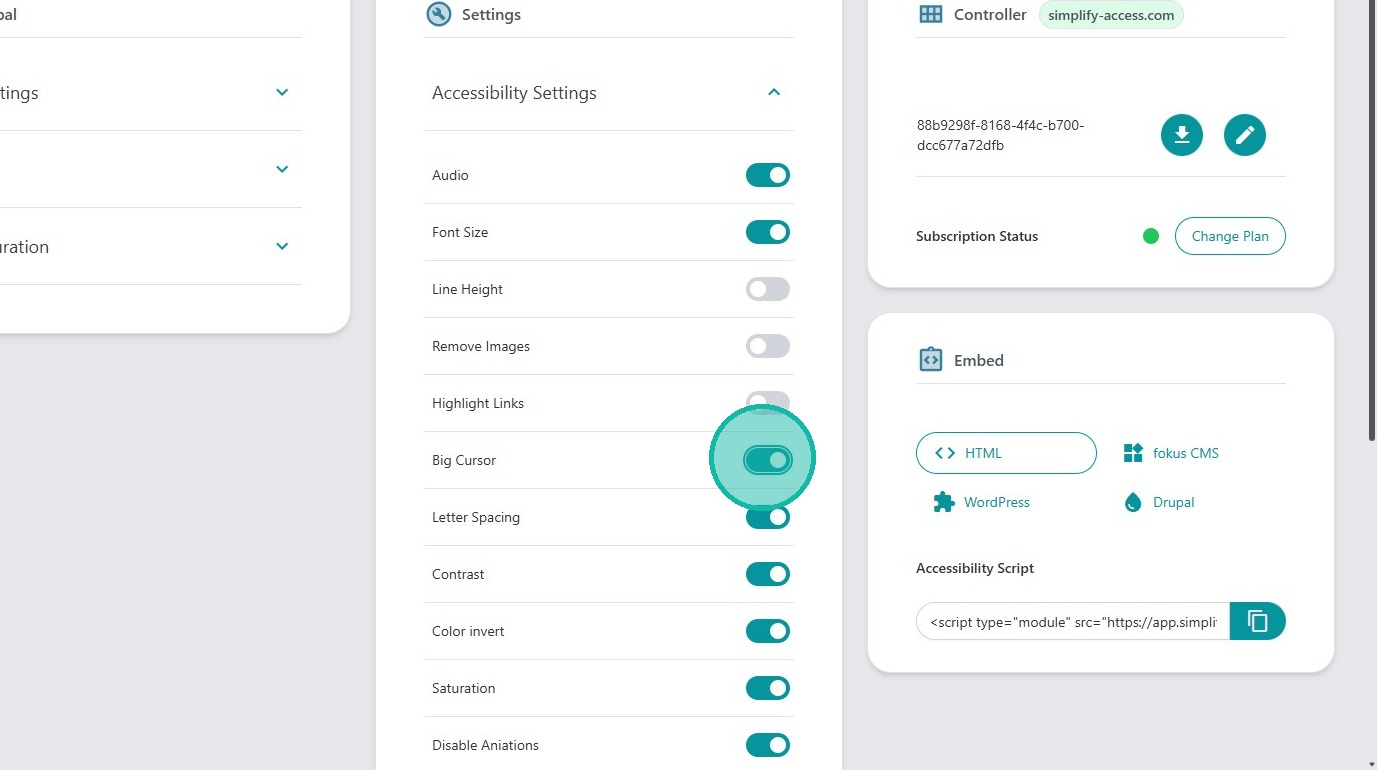
4. You can enable disabled settings by clicking the button.
5. Click "Save" button at the top right corner to update your changes.
Changes are immediately available for new users. Previous user will still the the old settings until their caches refreshing.