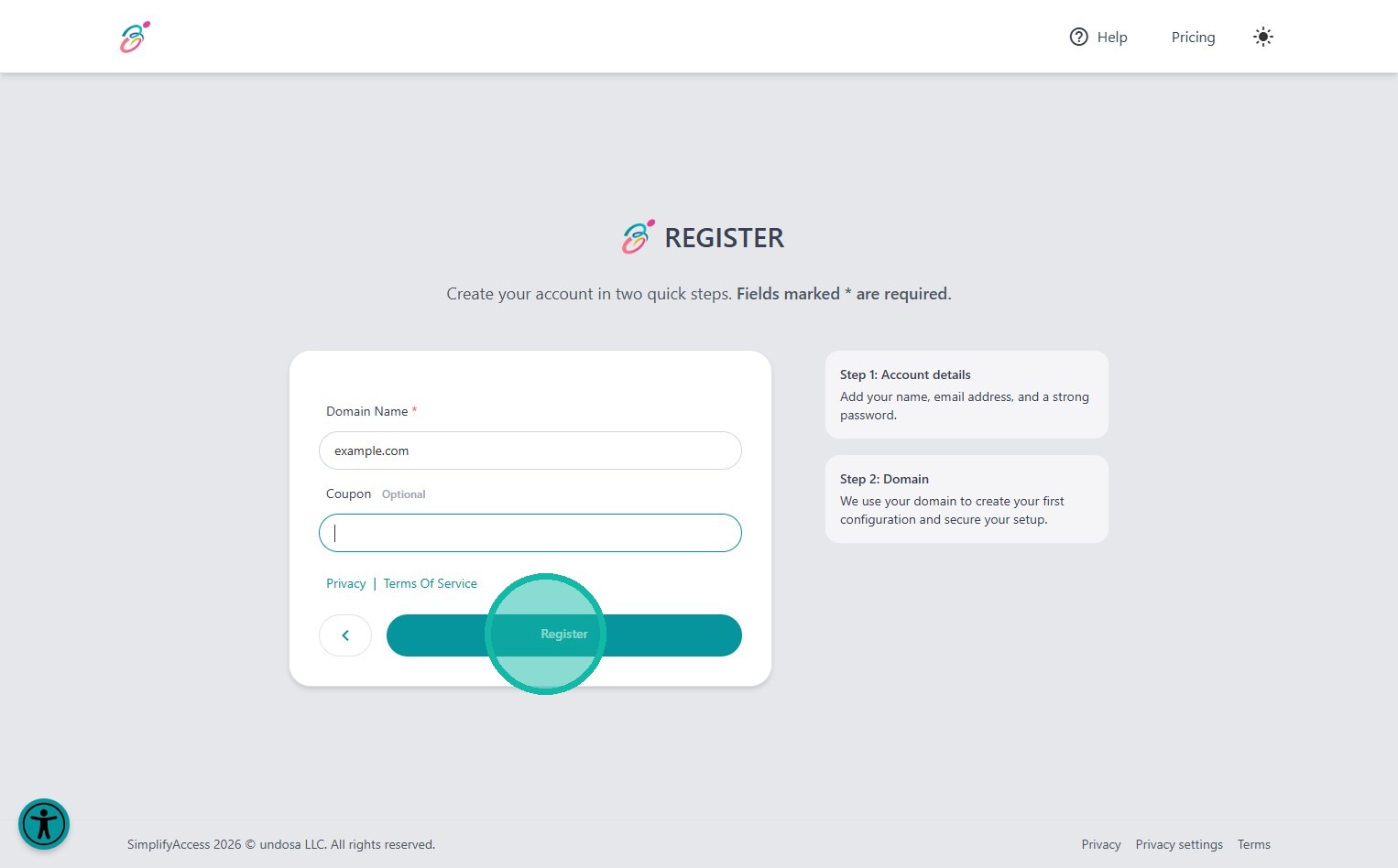
Learn how to quickly set up your account on the SimplifyAccess platform. This guide walks you through the required registration fields and submission process to help you get started with your domain.
1. Navigate to https://admin.simplify-access.com/register
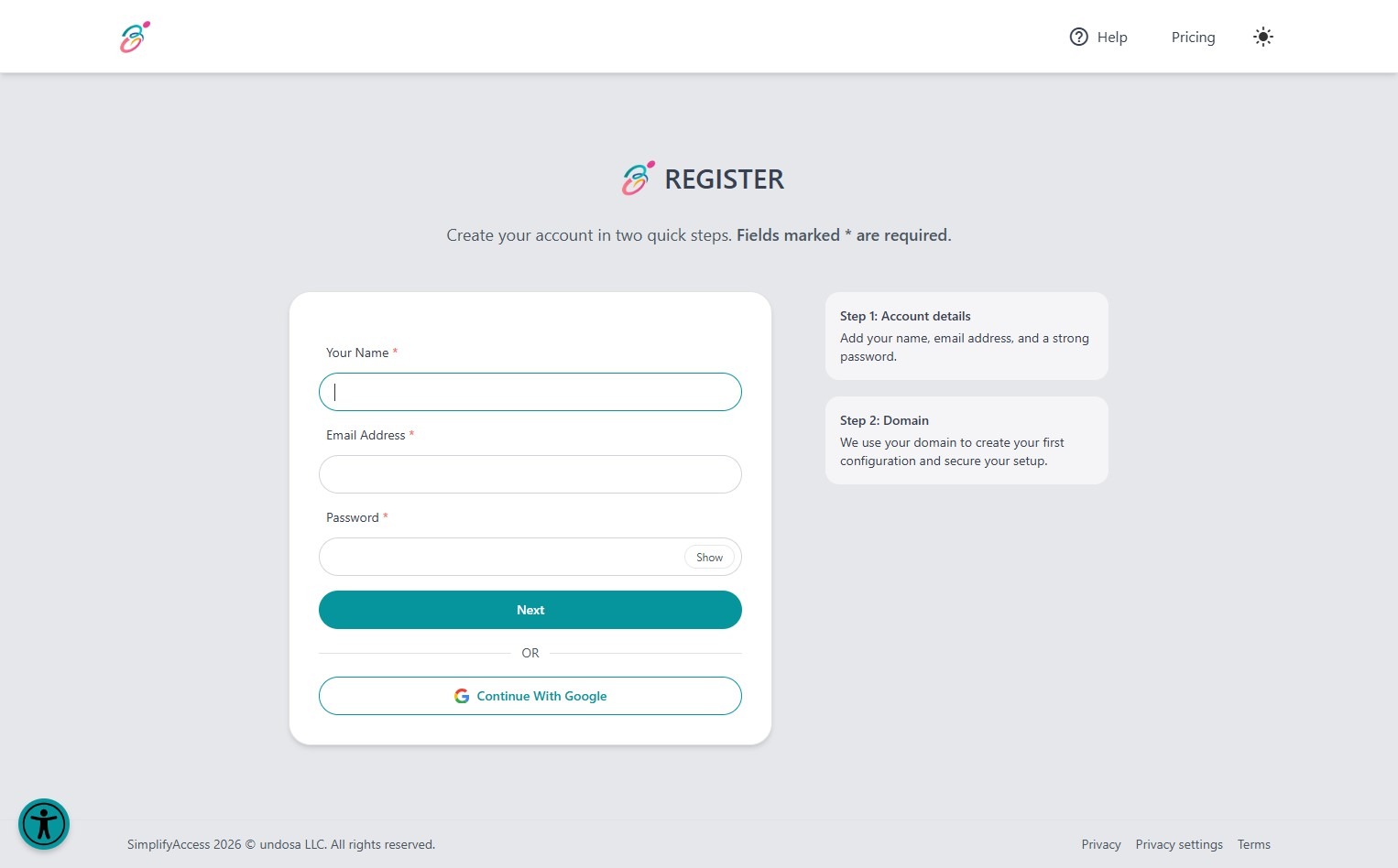
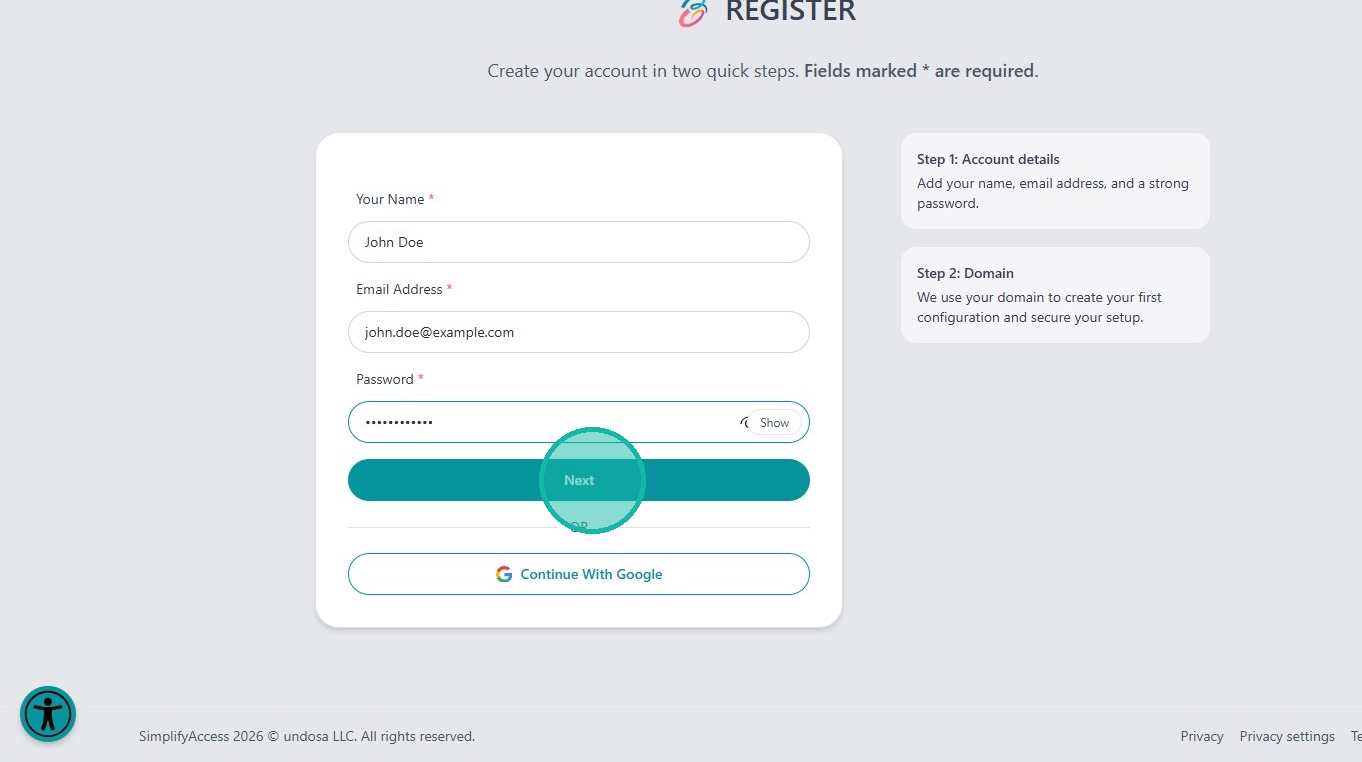
2. Fill out the registration form.
The first field is for "Name". Enter your full name here.
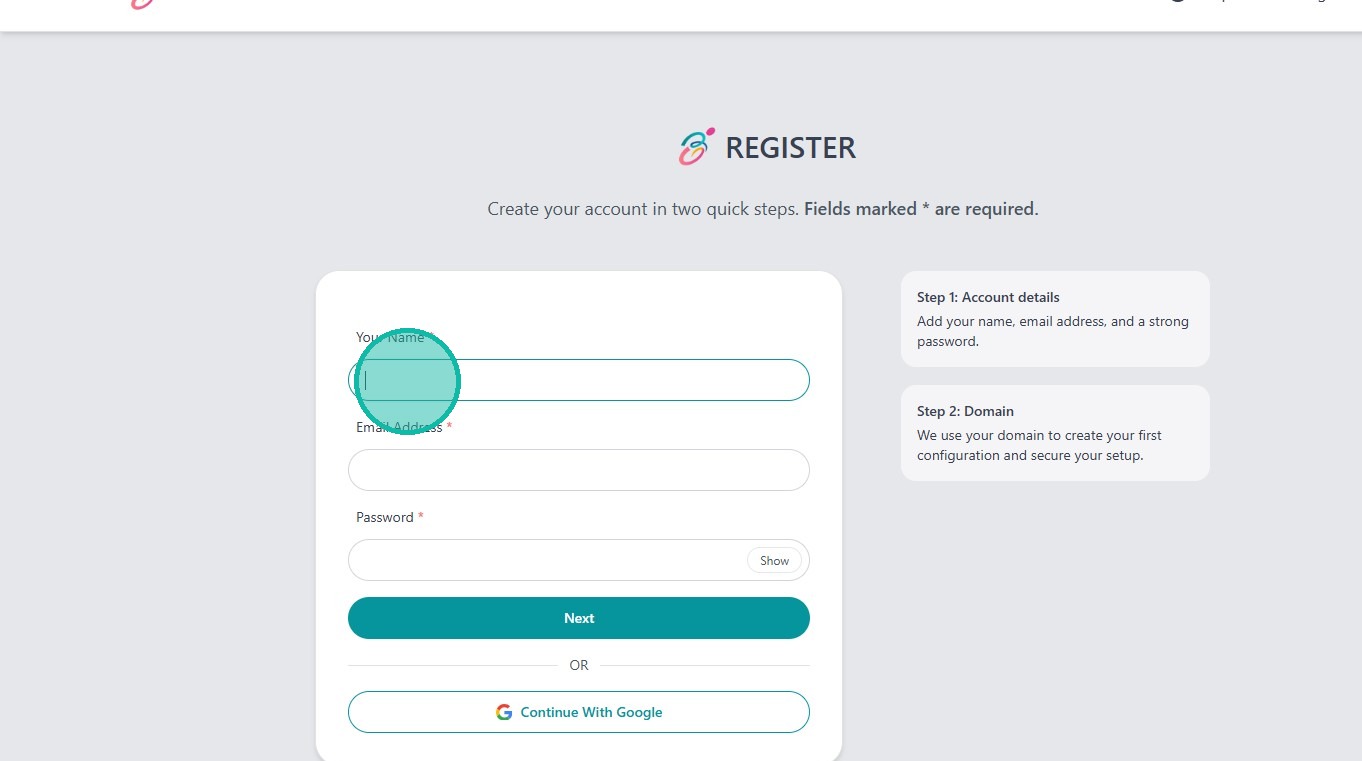
3. The second field is for your email address. Please enter your email address here.
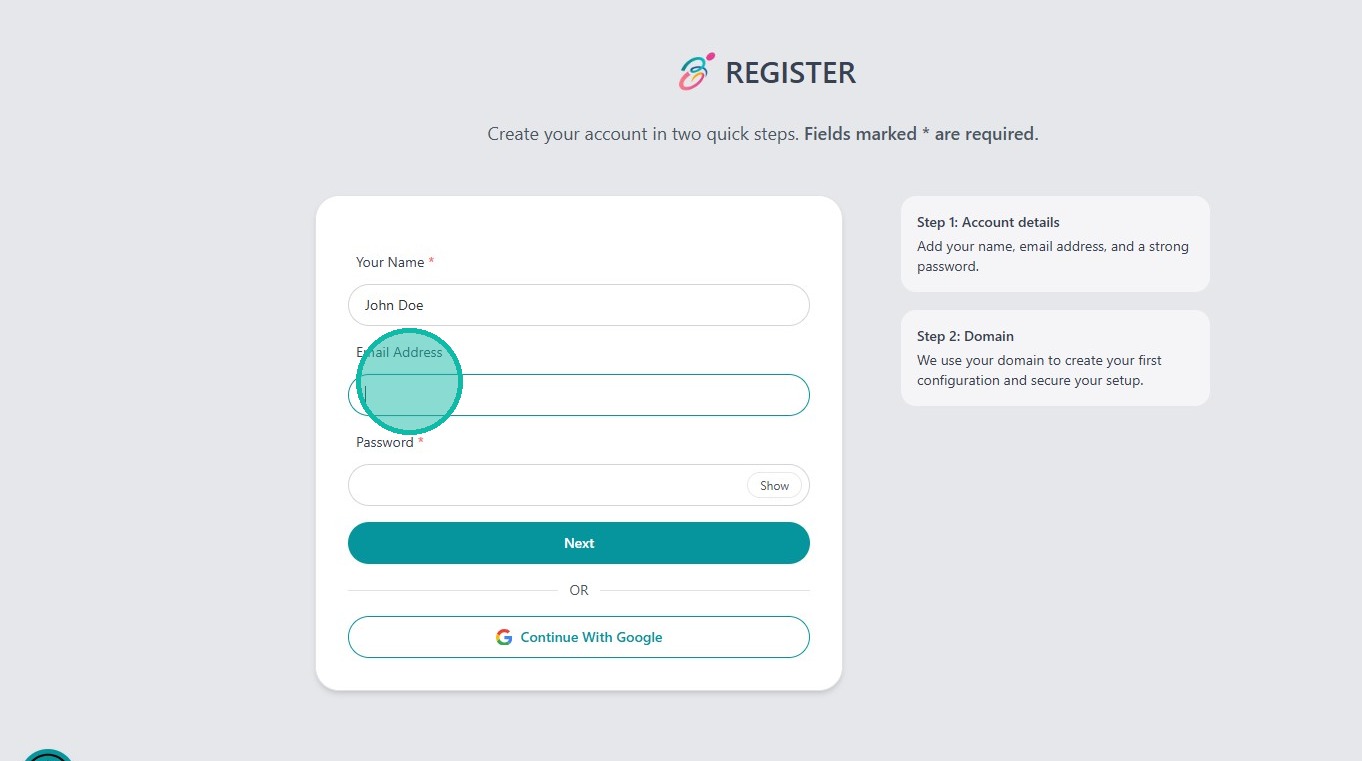
4. The last field is for the password. Enter a new and secure password here.
Then click "Next" to proceed to the next registration step.
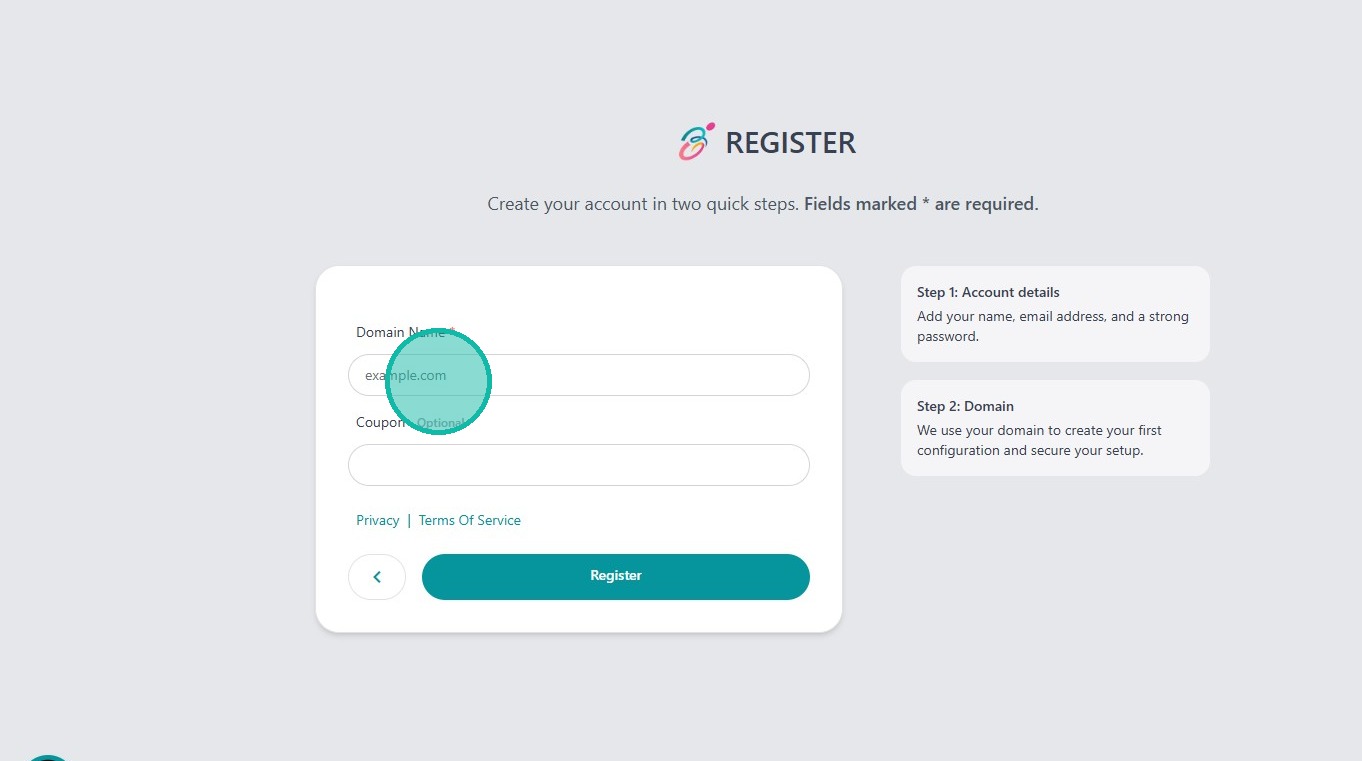
5. Enter your domain name here. Make sure to specify whether your website should run with or without "www.".
If your domain is not accepted, registration will be automatically blocked. In this case, please contact support.
6. If you have a coupon, enter it in the last field. This entry is optional.
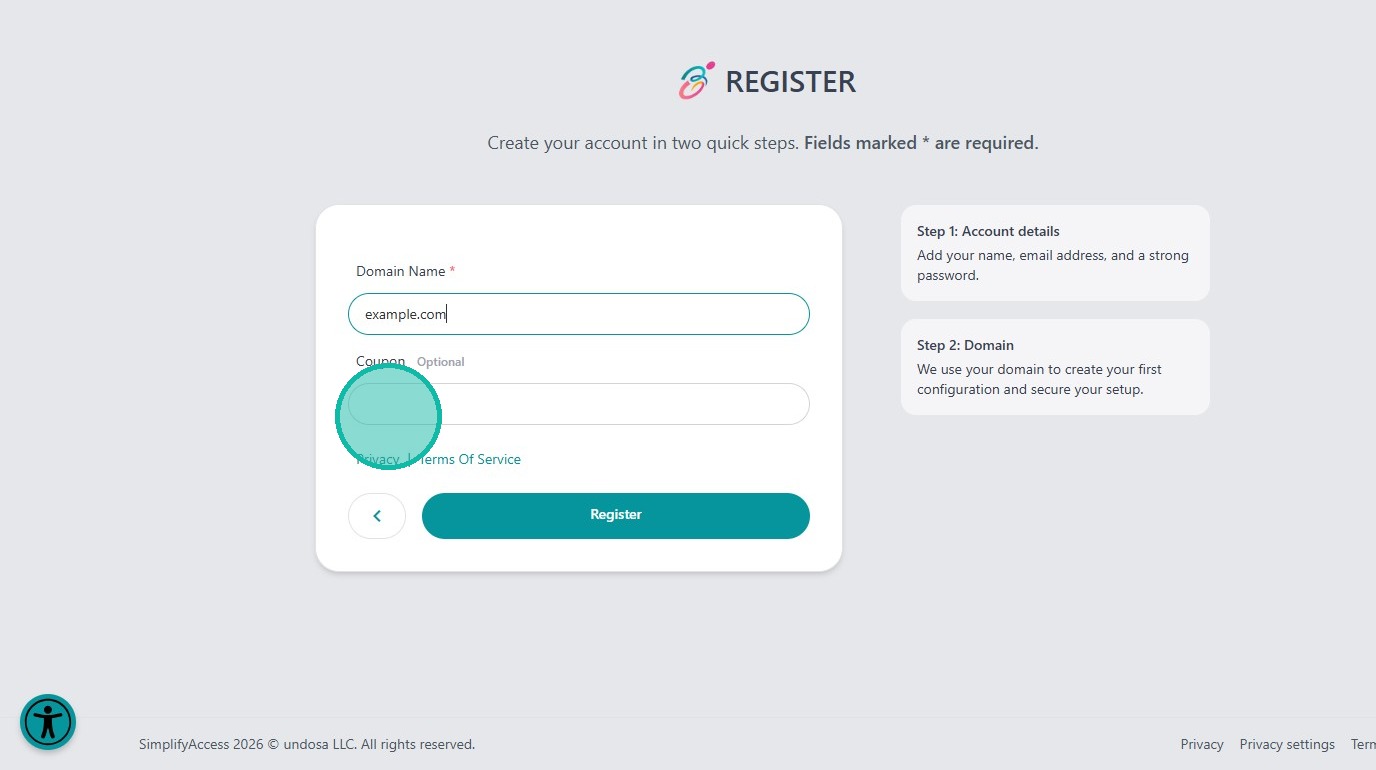
7. Click "Register" to complete your registration.
A link to verify your email address will be automatically sent to you after successful registration.